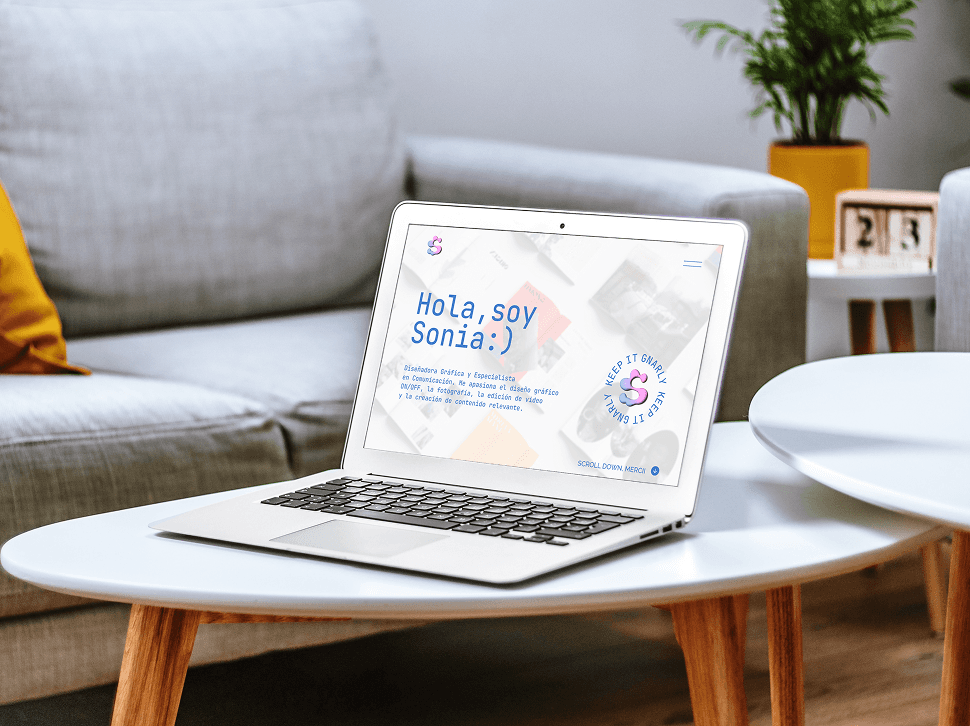
PERSONAL PORTFOLIO
PERSONAL PORTFOLIO
UX/UI
Architected a scalable UI layout system and component library in Figma to create a personal portfolio, focusing on seamless information architecture, atomic design foundations, and interactive prototyping.
Design system & prototyping
WIREFRAMING
DESIGN SYSTEM
VISUAL DESIGN
FIGMA PROTOTYPING
Client
Personal Project
Year
2023
Field
Personal Branding
Branding & Visual Design
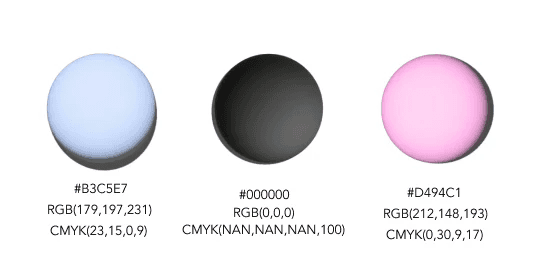
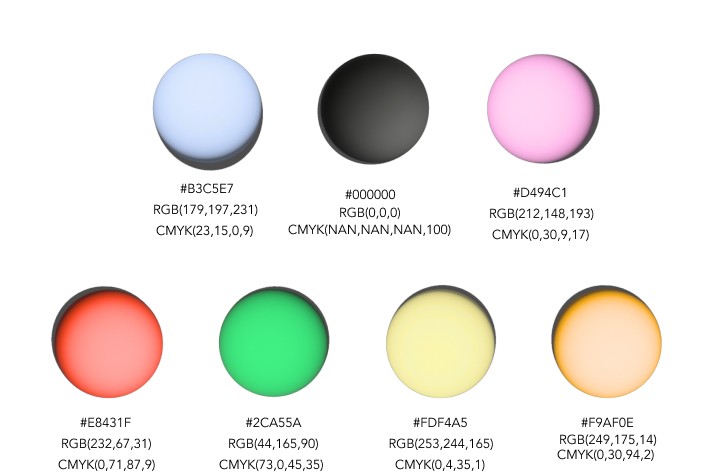
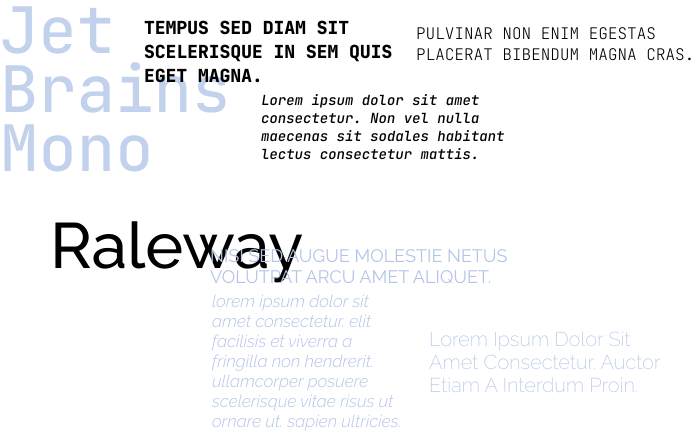
I focused on crafting a clean and consistent interface that reflects my personal design style. I explored color palettes, typography, and UI components to build a cohesive visual identity.
Chromatic Range
PRIMARY
SECONDARY
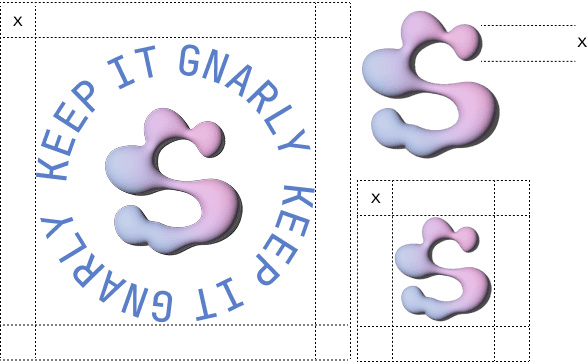
Logo
Typography
Iconography
Design Foundations
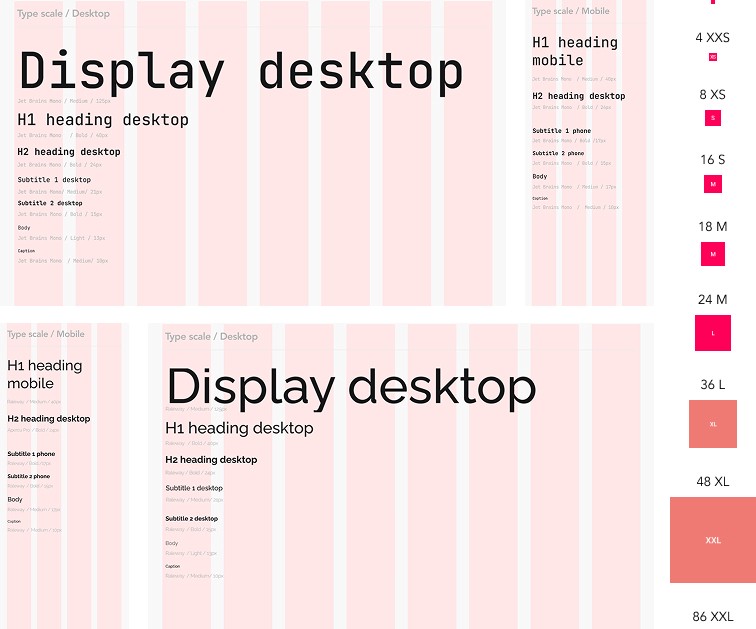
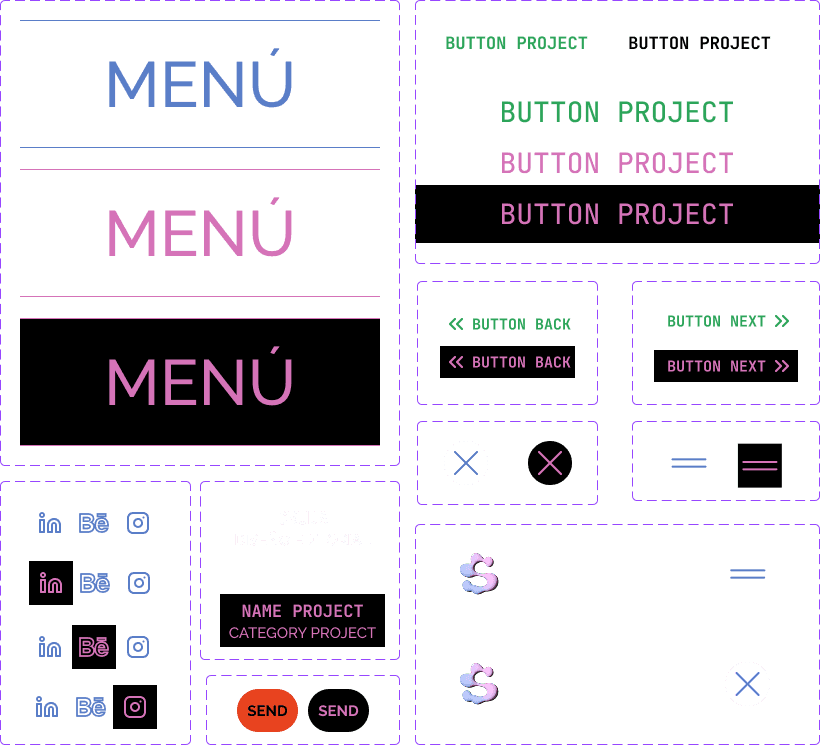
I developed a cohesive visual system by defining typography and color variables, spacing and grid rules, and reusable UI components such as buttons and navigation. This ensured consistency across the interface.
Typography & Layout System
UI Components
Interactive Prototyping
I developed a clickable prototype in Figma to test the user experience, navigation, and key flows such as project browsing and contact access. In the video you can visualize the Desktop prototype (edited with After Effects).
Overview:
Research & Information Architecture
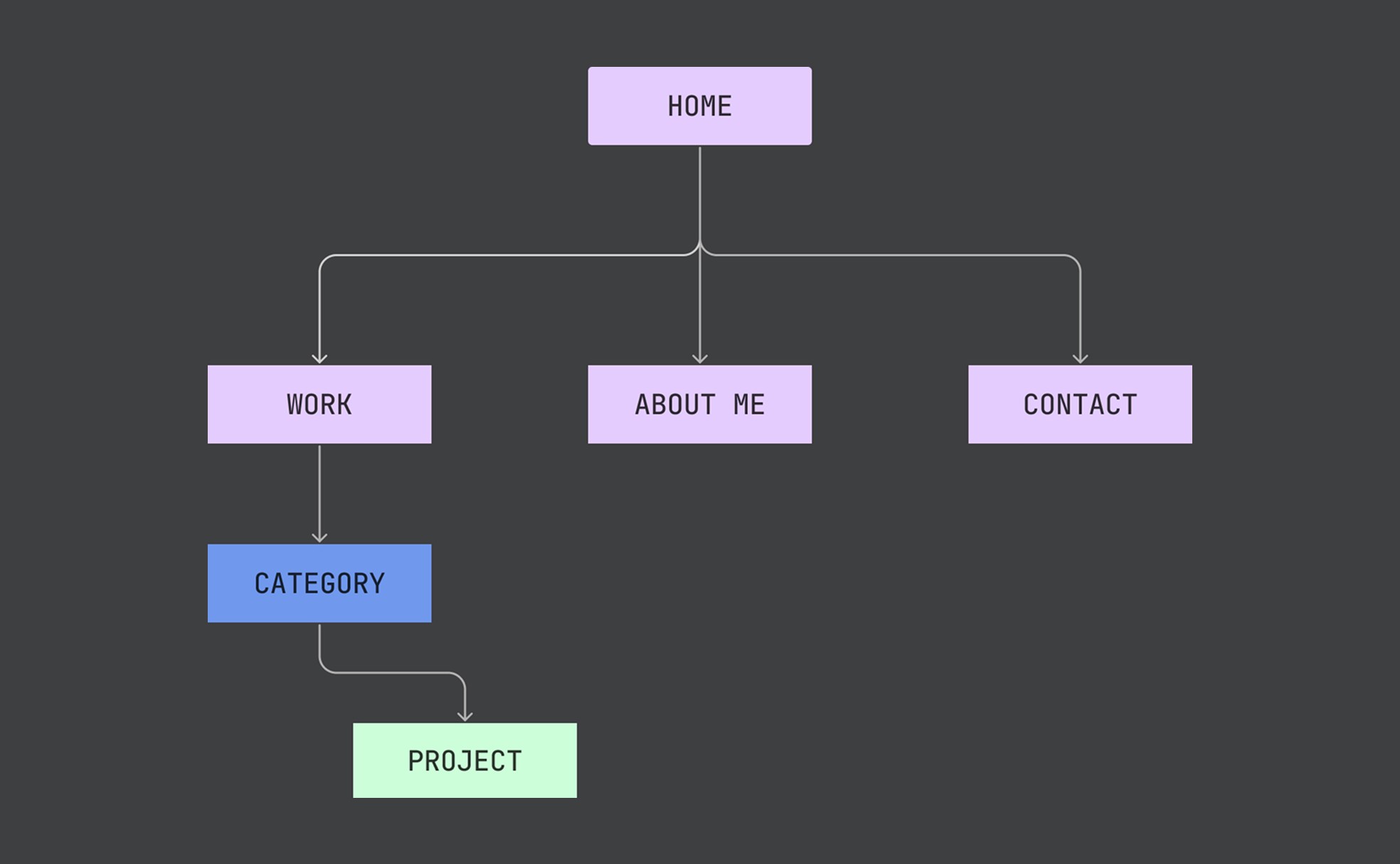
Through the review of portfolios from graphic designers, design studios, and awarded websites, I identified best practices, current trends, and opportunities for differentiation. These insights guided the definition of the information architecture, structuring the content according to hierarchy, user flow, and core goals such as showcasing projects, my profile, and facilitating contact.
The final structure enables intuitive navigation from Home to Work, About Me, and Contact, with projects organized by category and accessed through a clear, progressive flow.
Branding & UI Tokens
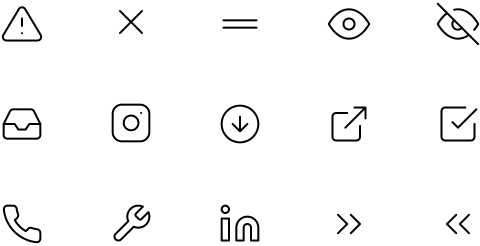
Defined the visual foundations and design tokens (color palettes, typographic scales, and UI iconography) to maintain high contrast, readability, and brand coherence across all viewports and interactive states.
Chromatic Range
PRIMARY
SECONDARY
Logo
Typography
Iconography
Design Foundations
I developed a cohesive visual system by defining typography and color variables, spacing and grid rules, and reusable UI components such as buttons and navigation. This ensured consistency across the interface.
Typography &
Layout System
UI Components
Interactive Prototyping
I developed a clickable prototype in Figma to test the user experience, navigation, key flows such as project browsing and contact access. In the video you can visualize the Desktop prototype (edited with After Effects).
Research & Information Architecture
Through the review of portfolios from graphic designers, design studios, and awarded websites, I identified best practices, current trends, and opportunities for differentiation. These insights guided the definition of the information architecture, structuring the content according to hierarchy, user flow, and core goals such as showcasing projects, my profile, and facilitating contact.
The final structure enables intuitive navigation from Home to Work, About Me, and Contact, with projects organized by category and accessed through a clear, progressive flow.